TECHNICAL GUIDE
Artwork and File Preparation Guide for Custom Sign RFQs
Prepare the artwork, dimensions, color references and site information required to review a custom sign project.
- Preferred vector and reference formats
- Dimensions, quantity and color inputs
- Site photos and mounting notes
1. Send the Best Artwork Available
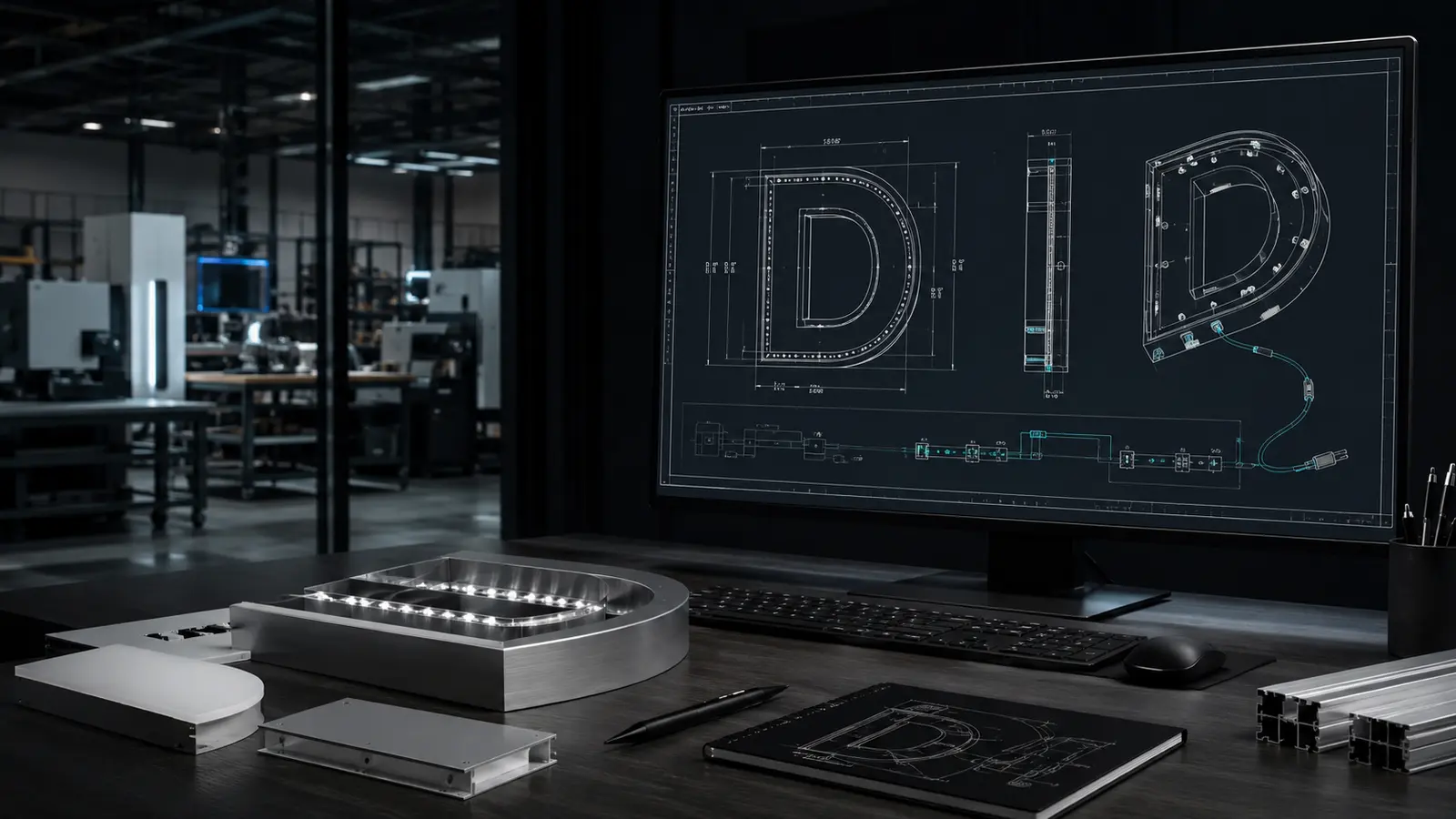
Editable vector files reduce interpretation and allow outlines to be reviewed at the target size. If vector artwork is unavailable, send the clearest image or PDF currently available.
- Preferred: AI, EPS, SVG or editable PDF
- Acceptable for initial review: high-resolution PDF, PNG or JPG
- Place source files, fonts and linked assets together in a ZIP archive
2. State the Target Dimensions
Do not rely only on artwork proportions. Confirm the overall width and height, letter height, available depth or fixed cabinet opening.
- Overall sign width and height
- Letter or logo height
- Minimum stroke or small-detail size
- Available return or cabinet depth
3. Identify Color and Finish References
Screen color is not a manufacturing reference. Provide RAL, Pantone guidance, paint codes, material samples or approved photographs where color and finish matter.
- Face color and transmission
- Return and back color
- Metal finish or texture
- LED color or white temperature
4. Include Site and Mounting Information
A sign drawing needs the installation surface, access and electrical context in addition to the logo artwork.
- Wall, fascia, glass, frame or freestanding support
- Indoor or outdoor exposure
- Destination voltage and power access
- Site photos, elevations or landlord criteria
5. Package the RFQ
Use a clear project reference and include quantity, destination and required timing. The engineering review can then identify missing inputs before quotation.
- Project or location name
- Product category and quantity
- Destination country and postal code
- Requested delivery or installation date
DECISION REFERENCE
Minimum Inputs for a Production-Ready Artwork Package
The file does not need to answer every engineering question, but it should make scale, appearance and site assumptions visible.
| Input | Why it matters | Minimum useful reference |
|---|---|---|
| Artwork geometry | Controls letterforms, logos, cut paths and proportional spacing. | Vector AI, EPS, SVG or PDF when available; otherwise the highest-resolution source. |
| Critical dimensions | Converts artwork proportions into manufacturable size. | Overall width and height, units, plus any fixed letter or logo dimension. |
| Color and finish | Prevents screen color from becoming an uncontrolled production reference. | RAL, Pantone guidance, paint code, material sample or approved finish image. |
| Site interface | Connects the sign drawing to the wall, fascia, glass or support. | Site photo or elevation, mounting surface, access notes and destination voltage. |
BUYER AND PROJECT CHECKLIST
Check the File Package Before Drawing Review
Separate approved information from provisional information. Mark dimensions, colors or site conditions that still need verification so the drawing review does not treat them as fixed.
- Use the latest approved logo and identify any alternate versions.
- Outline or package fonts, and retain editable vector paths when available.
- State units and identify dimensions that control the final scale.
- Include site photos, elevations, mounting surface and access constraints.
- Add quantity, destination, project reference and required timing.
Apply the file package to the selected channel letter product, send it through engineering and drawing review, and use a controlled master package for multi-location or franchise programs.
RELATED TECHNICAL GUIDES
Related Technical Guides
Continue from artwork inputs into mounting, power and shipment planning.
Channel Letter Mounting Guide
Define the wall interface, fixing method and installer handover.
Relevant context: site photos, wall type and cable exits
LED Sign Voltage & Power Planning
Add destination voltage, driver access and cable-route information.
Relevant context: illuminated signs and local electrical handover
Export Packaging Checklist
Carry project IDs, finish references and accessory lists into packing.
Relevant context: international shipment and repeat orders
TECHNICAL FAQ
Artwork and File Preparation Questions
Use these answers to identify open project inputs before quotation or drawing approval.
Can a raster logo be used for quotation?
A clear high-resolution raster image may support an initial review, but final drawings and fabrication usually need controlled vector geometry or a traced file approved by the buyer.
Should fonts be outlined?
Yes, outline fonts or package the licensed font files so letterforms do not change when the file is opened on another system.
What if the site dimensions are not final?
Mark them as provisional and identify who will verify them. Do not present estimated dimensions as approved production inputs.
Do site photos replace a measured elevation?
No. Photos explain surface, access and surrounding conditions, while a measured elevation or confirmed dimensions control scale and placement.
START YOUR PROJECT
Apply This Guide to Your Project
Upload your current artwork and site notes. We will identify which guide inputs are already complete and which still need confirmation.